LRC Landing Page
We are here to help!
Request an appointment with Doug Canfield
LRC Coordinator
Request an appointment with Shaun Washington
IT Administrator
Reserve a carrell in the Language Assessment Center for testing
Welcome
The Language Resource Center (LRC) is an innovative facility dedicated to promoting communities of language and cultural inquiry through interactive environments, technology-enhanced learning, and post-cognitive, nonlinear research and pedagogies.
Open to students, faculty, and staff, the LRC promotes exposure to languages and cultures through traditional and emerging technologies and innovative approaches. The center provides classroom support via language media programming, technology, and other resources.
Our facilities advocate for communities of language, cultural inquiry, technology-enhanced learning, and nonlinear research and pedagogies. We emphasize learner-centered study, while advancing multiculturalism and diversity beyond the campus.
The center also administers placement and other assessment services for the Department of Modern Foreign Languages and Literatures, manages research support for language faculty, pursues its own research, hosts lectures and conferences, and provides strategic leadership, planning, and grant execution for language projects.
Mission and Vision
The mission of the LRC is to provide
- flexible and open physical and virtual spaces of technology and
- learning resources that facilitate and advocate best practices in the research, teaching, and study of the world’s languages and cultures.
Our vision is to foster appreciation of the value of language learning, support technology use in service of cultural and social experiences, and grow the virtual language community within and beyond the Knoxville campus.
Staff
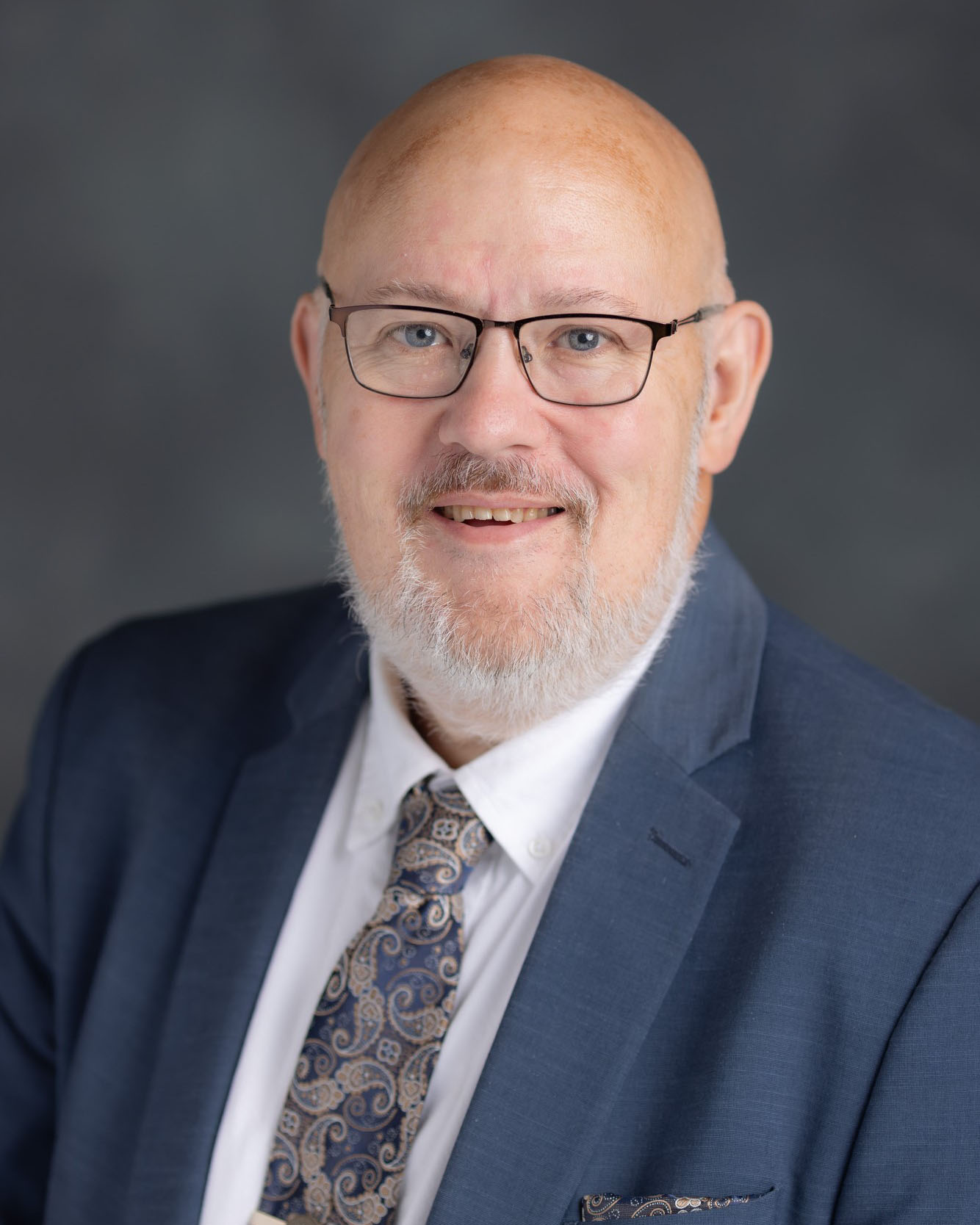
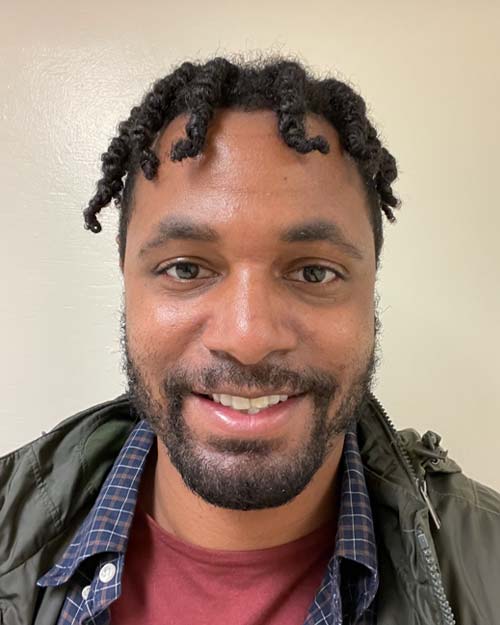
LRC Hours
M–F 8am – 5pm
Fall/Spring Semesters
M–F 9am – 4pm
Summer Semester
Closed during holidays & study days
After Hours for WLC Faculty
AMB 4, 10, 12, 14, 15, and 17 are available to WLC faculty and instructors after hours with their VolCard. Approved WLC instructors with AMB offices enjoy 24-hour access to these production facilities. Email us to request access.
Location Information
Alumni Memorial Building
(Beside Neyland Stadium)
1408 Middle Drive
Knoxville, TN 37996-0250
865-974-0797
lrc@utk.edu
Ready to join us?
Ready to join us?
Upcoming Events
